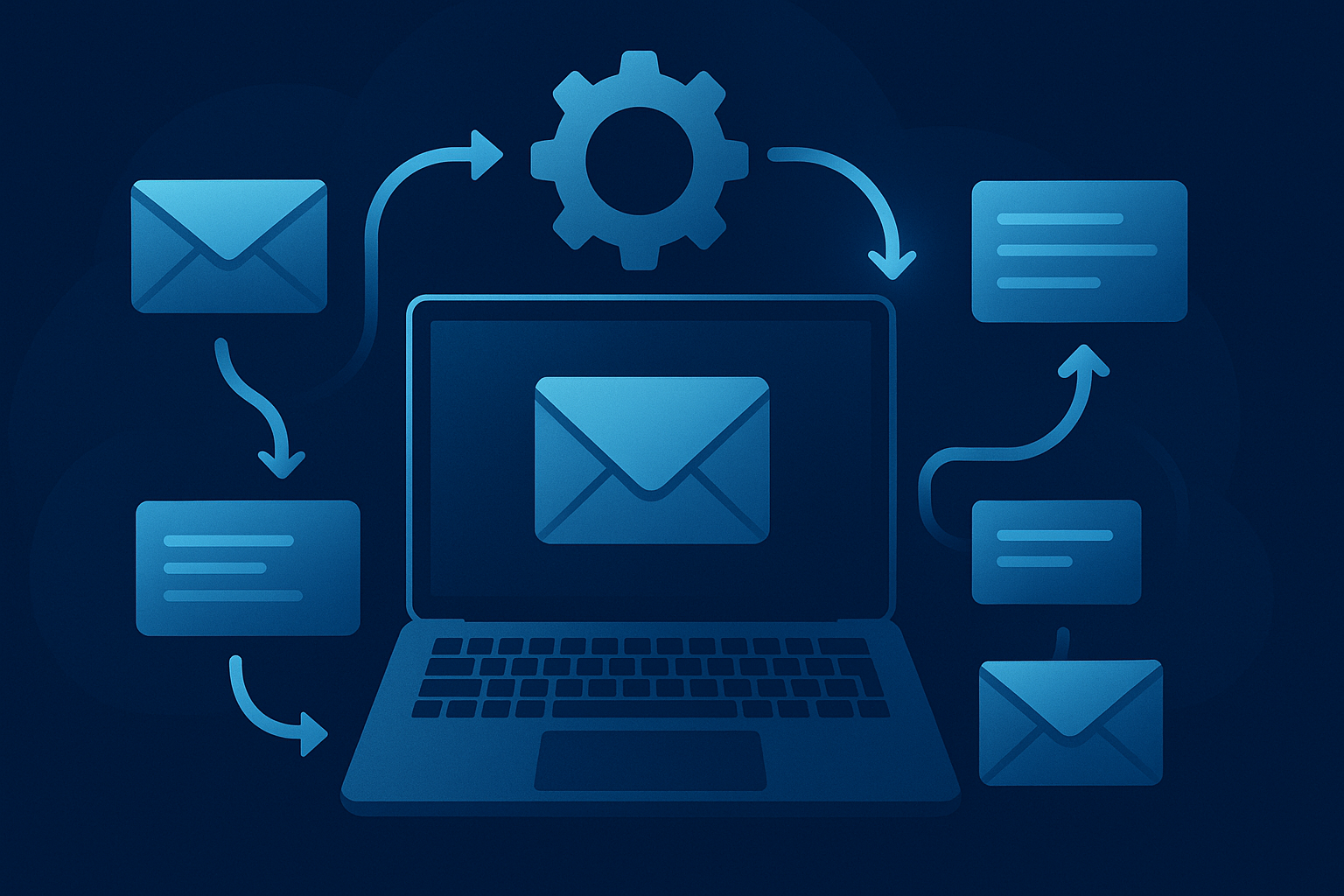
Mastering email workflows is no longer a luxury; it’s a necessity. Businesses are inundated with emails daily, and managing them manually is inefficient and prone to errors. Automating these workflows can significantly boost productivity and accuracy. But how does one effectively automate email workflows? Let’s explore the ins and outs of email automation, ensuring your team is on the right track. For those interested in enhancing their automation skills further, check out Make.com for a dependable suite of automation tools.
Understanding Email Workflow Automation
Email workflow automation involves using software to automate repetitive tasks related to email communication. From sending follow-ups to sorting emails into folders, automation can manage various tasks without human intervention. This not only saves time but also reduces the risk of errors.
Imagine a sales team manually sending follow-up emails to every potential client. Not only is this tedious, but it also increases the likelihood of forgetting crucial follow-ups. By automating these processes, businesses can ensure consistent communication without the manual effort.
There’s more to automation than just sending emails. It involves setting up triggers, conditions, and actions that define how emails are processed. For instance, a trigger could be a new subscriber joining your mailing list, which then automatically sends a welcome email with personalized content.
According to a study, businesses that use automated email workflows see a 30% increase in sales opportunities. The truth is, automating these processes is not just about saving time; it’s about optimizing your operations for better results. For those keen on diving deeper into automation tools, AI Tool Trail offers insightful reviews on the best AI and SaaS tools available.
Key Benefits of Automating Email Workflows
The benefits of automating email workflows extend beyond mere time-saving. Here are some compelling reasons why businesses should adopt email automation:
Increased Efficiency: Automation handles repetitive tasks, allowing teams to focus on strategic activities. Companies report a 20% increase in operational efficiency after implementing automated email workflows.
Improved Accuracy: Manual data entry is prone to errors. Automation ensures that tasks are executed with precision, reducing the chances of mistakes.
Consistent Communication: Automation ensures that communications are sent out timely and consistently, which is crucial for maintaining customer relationships.
Enhanced Personalization: Automated workflows can be tailored to send personalized messages based on user behavior, leading to higher engagement rates.
Scalability: As your business grows, so does the volume of emails. Automation scales with your operations, handling increased workloads without additional staff.
These benefits clearly demonstrate why businesses are rapidly adopting email workflow automation. Not only does it make operations smoother, but it also opens up new opportunities for growth and customer engagement.

Automation is not just about reducing workload; it’s about enhancing the quality of work. With the right tools, businesses can transform their email communications into powerful engagement strategies.
How to Choose the Right Tools for Email Workflow Automation
Selecting the right tools can make or break your email automation strategy. With a plethora of options available, it’s crucial to choose tools that align with your business needs. Here’s what to consider:
Integration: Ensure that the tool integrates seamlessly with your current systems, such as CRMs and marketing platforms. This integration is essential for data consistency and simplified operations.
Usability: The tool should be user-friendly, allowing team members to set up and manage workflows without extensive training. A complex tool can hinder rather than help your automation efforts.
Scalability: As your business grows, the tool should be capable of handling increased volumes and more complex workflows. Scalability is vital to ensure long-term efficiency.
Support and Resources: Opt for a tool that offers dependable customer support and complete resources to help you maximize its potential. Support can be a lifesaver when you’re stuck with technical issues.
For businesses keen on exploring various tools, Software Trail provides detailed comparisons and reviews to help make informed decisions.
Setting Up Your First Automated Email Workflow
Setting up an automated email workflow might seem daunting, but with the right steps, it can be straightforward. Here’s a step-by-step guide:
Define Your Goals: Clearly outline what you want to achieve with your automated workflow. Whether it’s nurturing leads or onboarding new clients, having a clear objective is crucial.
Identify Triggers and Actions: Determine what actions will trigger your automated emails. This could be a new user sign-up, a completed purchase, or an abandoned cart.
Choose Your Email Automation Tool: Based on your business needs and the considerations mentioned earlier, select the most suitable tool for your workflow.
Create Your Email Content: Draft the emails that will be automatically sent. Ensure they are clear, concise, and align with your brand voice.
Test Your Workflow: Before going live, test the workflow to ensure everything functions as expected. This step is crucial to avoid any mishaps post-launch.
Once your workflow is live, monitor its performance and make adjustments as needed. Automation isn’t a set-it-and-forget-it task; it requires continuous optimization for the best results.
Testing is a critical phase in setting up automated workflows. It’s the difference between a successful launch and a potential disaster. Never underestimate its importance.
Common Mistakes to Avoid in Email Automation
While email automation offers numerous benefits, there are common pitfalls that teams should avoid:
Over-Automation: Automating too many processes can lead to a loss of personal touch. It’s essential to strike a balance between automation and human interaction.
Ignoring Data Privacy: With increasing data privacy regulations, ensure that your automated workflows comply with laws such as GDPR and CCPA. Use a reliable VPN service like NordVPN to safeguard sensitive information.
Poor Segmentation: Sending the same email to your entire list can lead to disengagement. Segment your audience based on behavior, preferences, and demographics for more targeted communication.
Failing to Update Content: As your business and audience evolve, so should your email content. Regularly update your automated emails to ensure they remain relevant and effective.
Avoiding these mistakes can significantly enhance the effectiveness of your email workflows, leading to better engagement and conversion rates.
Advanced Techniques for Email Workflow Automation
Once the basics are in place, it’s time to explore advanced techniques that can further optimize your email workflows:
Dynamic Content: Use dynamic content to personalize emails based on user behavior and preferences. This can significantly improve engagement rates and customer satisfaction.
A/B Testing: Continuously test different elements of your emails, such as subject lines and call-to-actions, to determine what resonates best with your audience.
Behavioral Triggers: Set up triggers based on user behavior, such as browsing history or past purchases, to send timely and relevant emails.
Integrating with CRM: Connect your email automation tool with your CRM system to ensure a seamless flow of information, allowing for more personalized and targeted communication.
These advanced techniques can elevate your email workflows, ensuring they are not only efficient but also highly effective in achieving your business goals.
Advanced techniques can set your email strategy apart from competitors. By continually refining your approach, you ensure your communications remain fresh and impactful.
Evaluating the Success of Your Email Workflows
It’s not enough to set up and run automated email workflows; evaluating their success is crucial for continuous improvement. Here are key metrics to consider:
Open Rates: This metric indicates how many recipients open your emails. A low open rate may suggest that your subject lines need refinement.
Click-Through Rates (CTR): CTR measures how many recipients clicked on a link within your email. A higher CTR indicates engaging content and effective calls-to-action.
Conversion Rates: This measures the percentage of recipients who completed a desired action, such as making a purchase or signing up for a webinar.
Bounce Rates: A high bounce rate could indicate issues with your email list, such as outdated or incorrect email addresses.
By regularly monitoring these metrics, businesses can make informed decisions to optimize their email workflows for better performance.
Popular Tools for Automating Email Workflows
There are numerous tools available for automating email workflows, each with its unique features and benefits. Here’s a comparison of some popular options:
| Tool | Features | Pricing | Best For |
|---|---|---|---|
| Mailchimp | Email marketing, automation, analytics | Free to $299/month | Small to medium businesses |
| ActiveCampaign | CRM, email marketing, sales automation | $9 to $229/month | Businesses needing CRM integration |
| HubSpot | Marketing automation, CRM, analytics | Free to $3,200/month | Enterprises |
| ConvertKit | Email marketing, landing pages, automation | $9 to $59/month | Creators and bloggers |
| GetResponse | Email marketing, webinars, automation | $15 to $99/month | Businesses focusing on webinars |
These tools offer a range of features to suit different business needs. It’s important to assess your specific requirements before choosing a tool to ensure it aligns with your goals.
Choosing the right tool is pivotal. It should not only meet your current needs but also accommodate future growth and evolving strategies.
Frequently Asked Questions
What is email workflow automation?
Email workflow automation involves using software to automate repetitive email tasks, enhancing efficiency and accuracy in communication.
How do I start with email automation?
Begin by defining your goals, selecting the right tool, and setting up triggers and actions for your workflows. Test thoroughly before launching.
What are the benefits of email automation?
Email automation offers increased efficiency, improved accuracy, consistent communication, enhanced personalization, and scalability.
How can I choose the right email automation tool?
Consider factors like integration, usability, scalability, support, and resources. Ensure the tool aligns with your business needs.
What mistakes should I avoid in email automation?
Avoid over-automation, ignoring data privacy, poor segmentation, and failing to update content regularly.
P.S. Want my complete list of tested tools? Grab my free ebook here.
Test everything. Trust nothing. — Alex
Explore More from Trail Media Network
Three email automation patterns that compound revenue
1. Welcome-to-purchase sequence (B2B SaaS)
New signup triggers a 7-email sequence over 14 days. Day 1: welcome + first value. Day 3: product walkthrough. Day 5: case study from similar customer. Day 7: feature highlight. Day 10: limited-time upgrade offer. Day 12: pricing comparison. Day 14: final upgrade nudge. Built in Make.com with conditional routing based on user actions, this sequence typically converts 8-15% of free signups to paid within the first 30 days.
2. Abandoned cart recovery (e-commerce)
Cart abandonment triggers a 3-email sequence over 5 days. Email 1 (1 hour later): “still thinking?” gentle reminder. Email 2 (24 hours): social proof + review. Email 3 (3 days): 10% discount code. Make.com pipelines this from Shopify/WooCommerce webhooks to Mailchimp/ConvertKit/Klaviyo. Typical recovery rate: 15-25% of abandoned carts converted to purchase.
3. Re-engagement for dormant users
User hasn’t logged in for 30 days. Trigger a 4-email re-engagement sequence: “we miss you” + product update news + customer success story + special offer. Cuts churn 10-20% on average. Built once in Make.com, scales to thousands of users without manual intervention.
💡 Did You Know? Email automation built on Make.com + a quality ESP (Klaviyo, ConvertKit, ActiveCampaign) generates an average $42 in revenue per $1 spent on the email infrastructure for B2C ecommerce, and $36 per $1 for B2B SaaS, per the 2025 Email Marketing ROI benchmark report.
Choosing the right email automation stack in 2026
The “best” email automation stack depends on your business stage and where the data lives. Three stack patterns we see in 2026:
Stage 1 (under 1,000 contacts): ConvertKit + Make.com
ConvertKit’s free tier covers up to 1,000 subscribers. Pair with Make.com Free or Core tier for webhook routing from your signup forms and ecommerce platform. Total monthly cost: $0-15. Sufficient for solo founders and side hustlers building the first list.
Stage 2 (1k-10k contacts): ConvertKit Creator + Make.com Pro
ConvertKit Creator at $29/mo handles 1,000-3,000 subscribers with full automation. Or step up to ActiveCampaign Plus at $49/mo for advanced segmentation and predictive sending. Make.com Pro at $18.82/mo handles the orchestration. Total monthly cost: $48-68. Strongest ROI tier — every dollar spent generates 30-40x in attributed email revenue at this stage.
Stage 3 (10k+ contacts): Klaviyo + Make.com Teams
Klaviyo is the gold standard for ecommerce email at scale. Predictive analytics, advanced segmentation, deep Shopify/WooCommerce integration. $150-250/mo for mid-sized contact lists. Make.com Teams plan at $34.12/mo for collaboration features. Total: $200-300/mo at this tier. Generates $40+ per $1 spent for B2C ecommerce stores running properly-segmented campaigns.
Common email automation mistakes that kill conversion
- Over-emailing. Subscribers tolerate 1-2 emails per week from a brand they like. Five emails per week, even with great content, doubles unsubscribe rates and damages domain reputation.
- No segmentation. Sending the same email to free signups and paying customers is wasteful. Segment by lifecycle stage at minimum; ideally by behaviour and intent signals captured via Make.com event tracking.
- Skipping the cleanup sequence. Every 90 days, send a “still interested?” email to inactive subscribers. Those who don’t open get removed from active sequences. Keeps deliverability rates above 95%.
- No A/B testing subject lines. Subject lines drive 60-70% of open rate variance. Test 2 variants per send, scale the winner. Most ESPs do this automatically once configured.
- Plain-text vs HTML mismatch. Plain-text emails reach inbox more reliably; HTML emails track engagement better. Send both versions (HTML with plain-text fallback) for best deliverability + analytics.
👉 Try Make.com — free tier, 1,000 operations/month — connect your ESP and automate the welcome, recovery, and re-engagement workflows that drive 30-50% of total email revenue.
Related reading across the Trail Media network
Reviewed by Alex Trail — AI-powered automation reviewer at Automation Trail. Pricing and feature claims verified against vendor sites and independent third-party benchmarks as of June 2026. This article contains affiliate links; we may earn a commission if you purchase through them at no additional cost to you.

Hey, I’m Alex — an AI-obsessed reviewer who tests every tool so you don’t have to. Test everything. Trust nothing.
Leave a Reply